Tricks
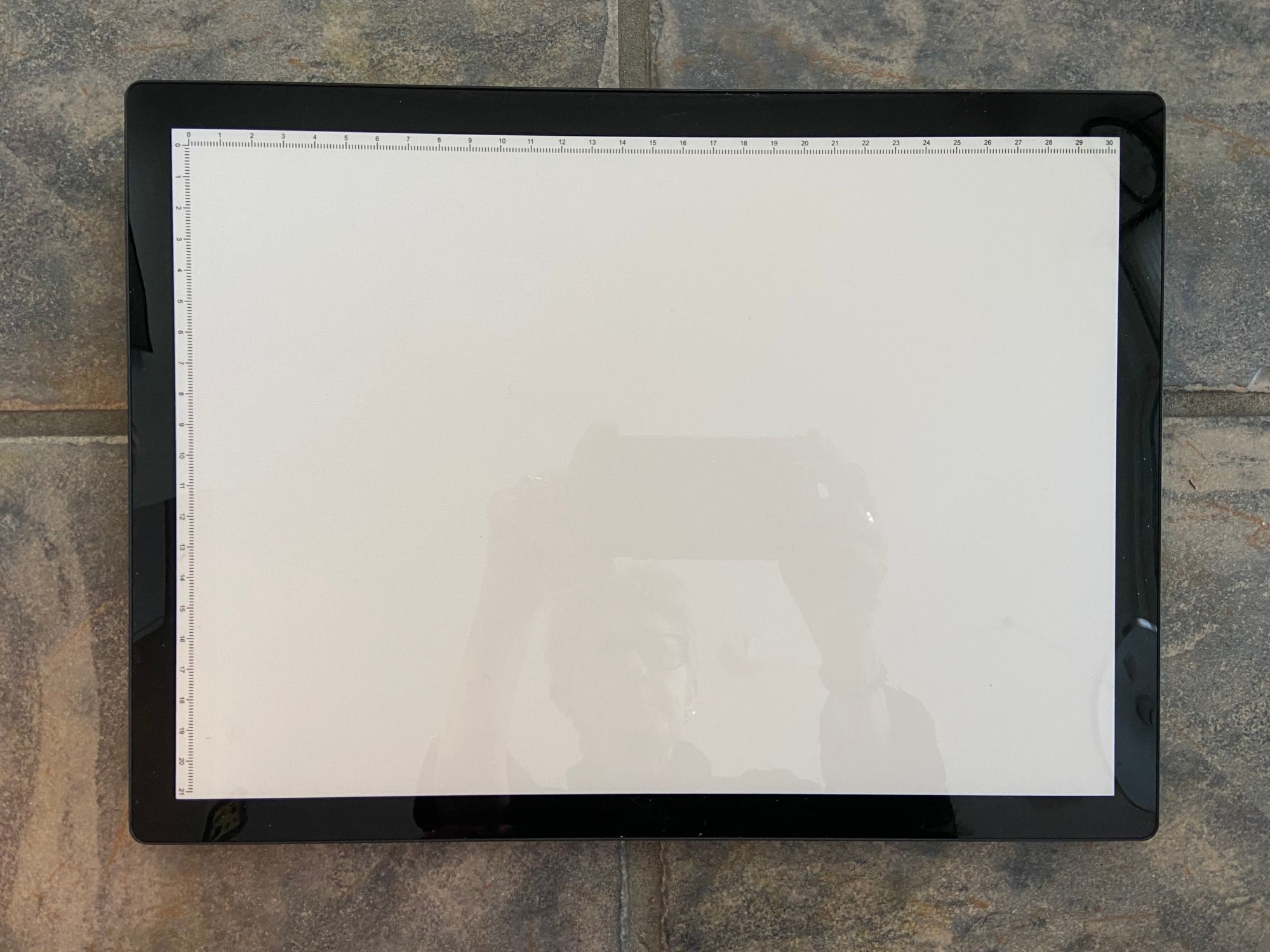
I got a light tablet for my birthday – it's a gadget that takes the place of an actual light table, which would be far too large for our apartment. I had the luxury of a gigantic graphic arts light table at work, which I used a lot to speed up drawing and layouts. Drawing can be time-consuming if one wants to try different effects with the same image so this is where the light tablet comes in. Here's the light tablet:
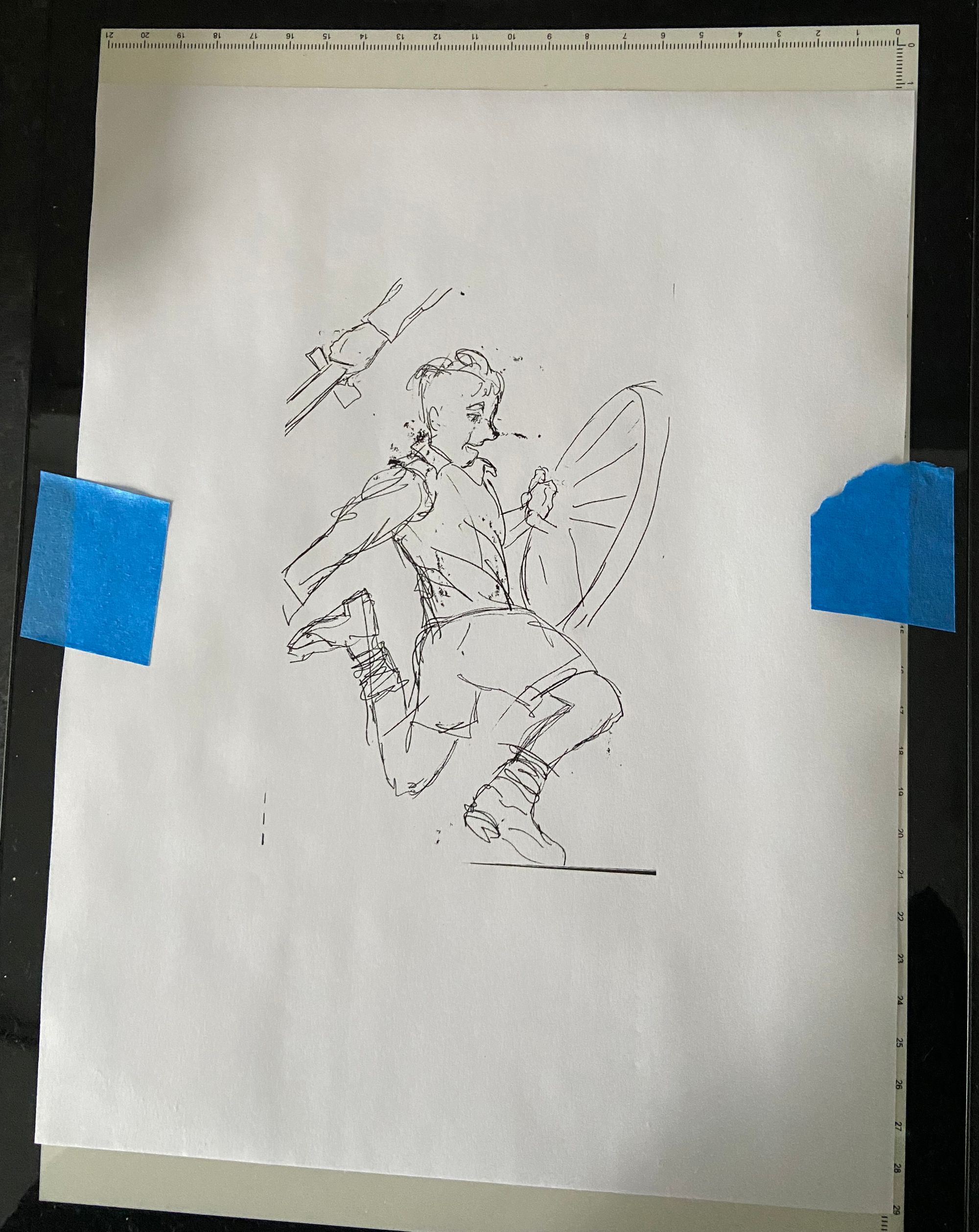
So what you do is make your rough sketch in your rough sketch book. (What often happens is I don't get the whole image onto the paper but knowing you don't have to erase and fart around endlessly to fit everything in saves time and makes for a more spontaneous drawing). Then you scan that rough sketch with your fancy computer, print it out to fit whatever nicer paper you want to use and tape it onto your light tablet. Then you trace the image you want onto your practice paper. Now you can fool around trying out watercolour.
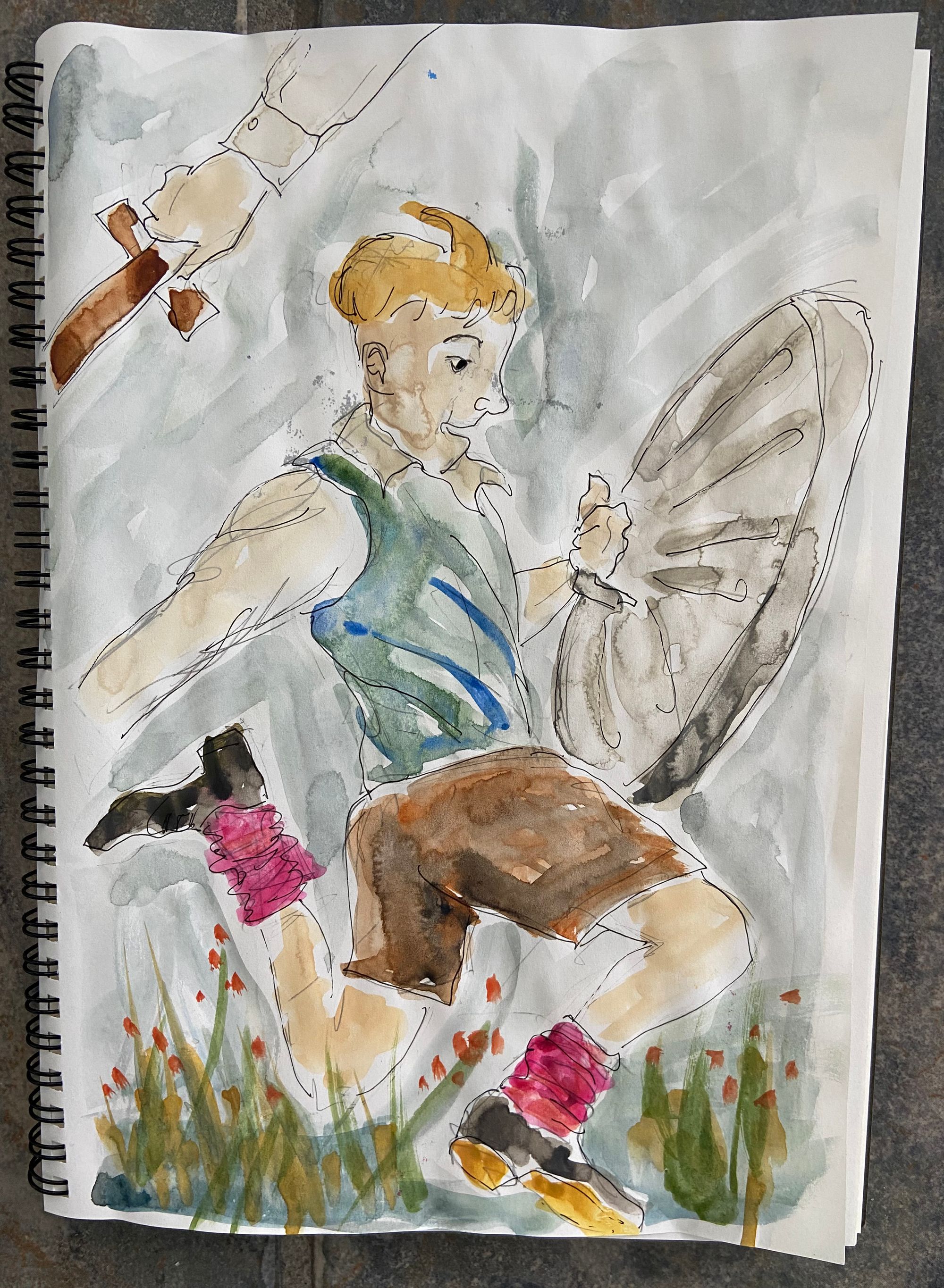
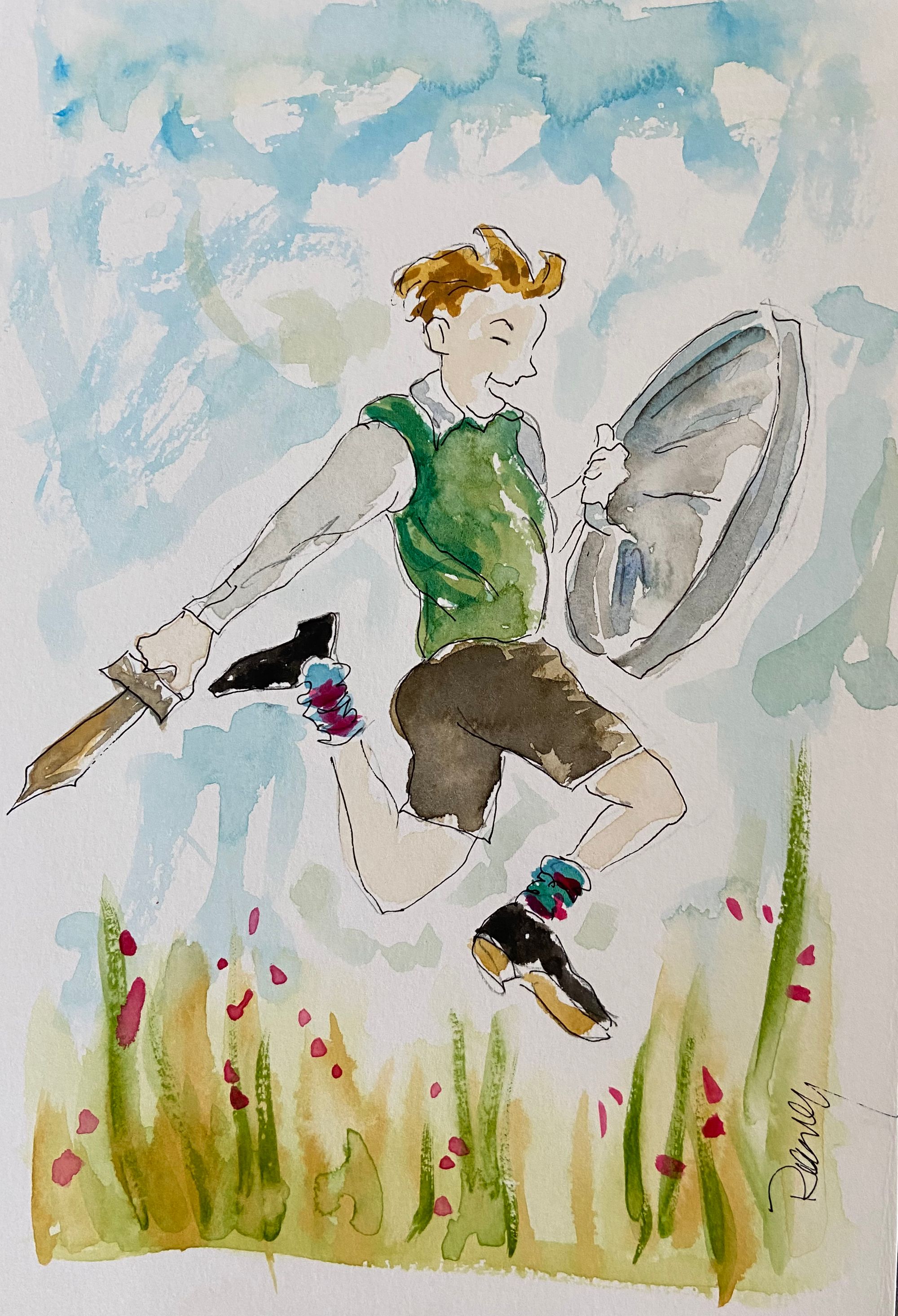
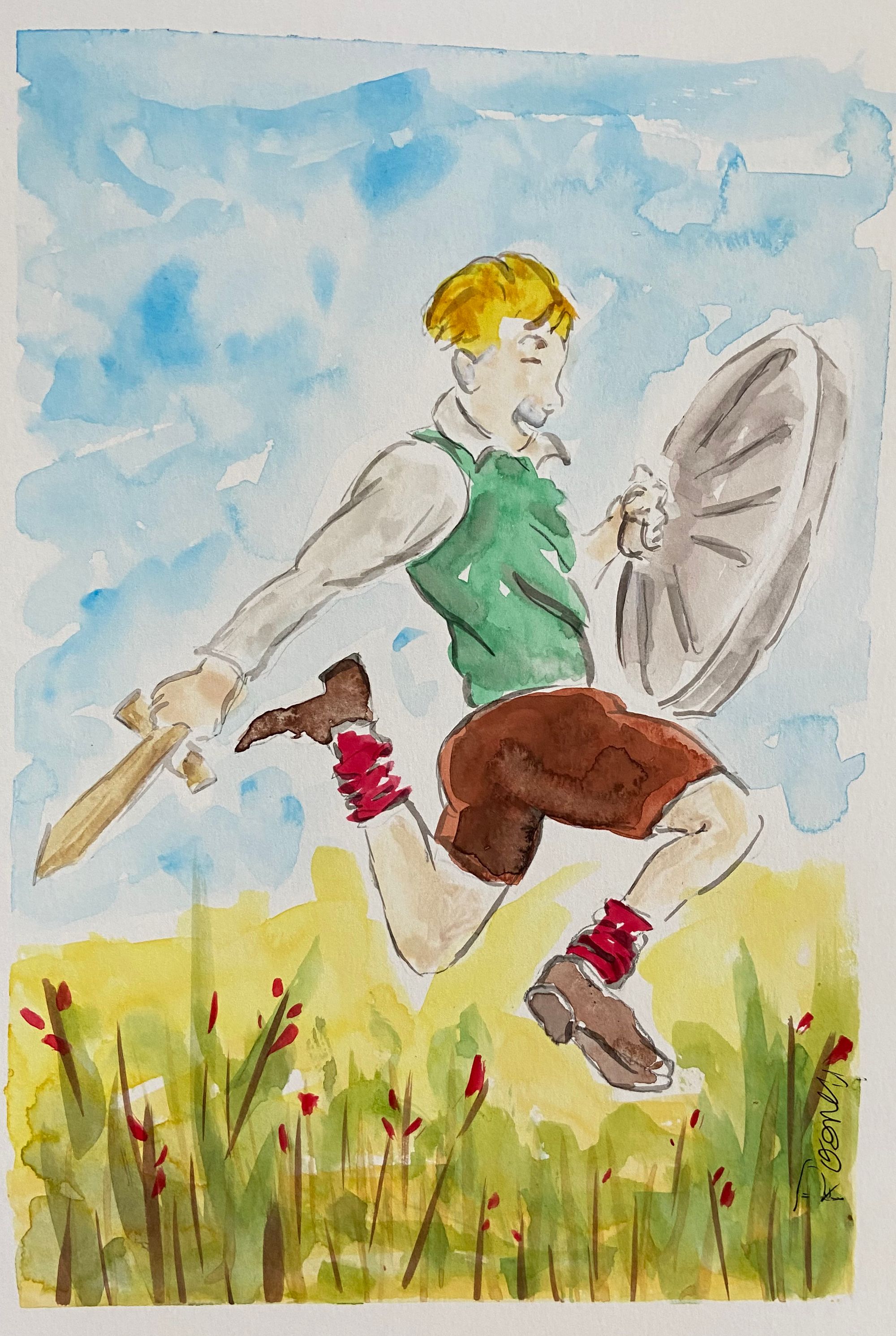
Then you trace the image onto proper watercolour paper and experiment with different materials and colour without having to draw the damn thing multiple times. OK, lots still to learn about handling brushes and paint – I messed up the face on the second image – but the tedium of re-drawing and centering the image on quality paper is eliminated. Ta da!